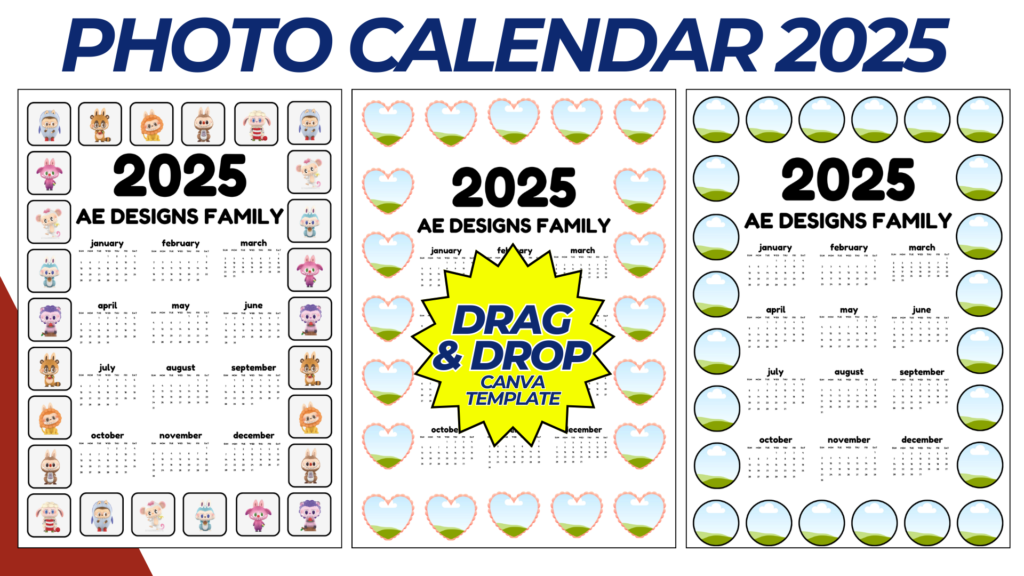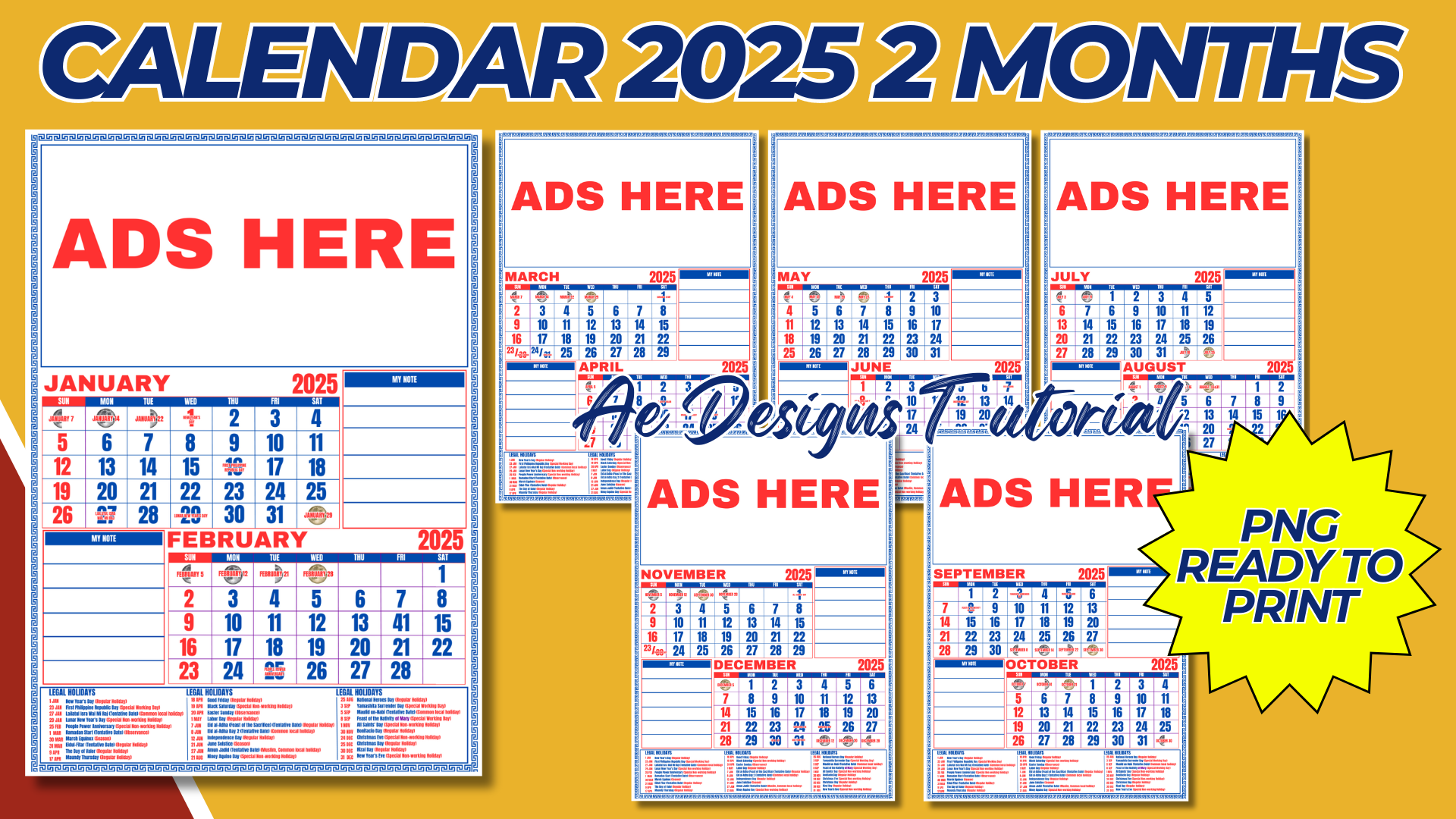

Creating a 2025 calendar with two months per page in PNG format, ready to print, involves several design considerations to ensure both functionality and visual appeal. Here’s a detailed guide on how to create this type of calendar:
1. Canvas Setup:
- Size: Set up your canvas in your design software (e.g., Canva, Photoshop, Illustrator) to your desired print size. Common sizes for calendars are A4 (210 x 297 mm), A5 (148 x 210 mm), or Letter size (8.5 x 11 inches).
- Orientation: Choose either portrait or landscape orientation depending on your preference. Landscape often works better for two months per page.
2. Designing the Layout:
- Header Section:
- Title: At the top of the page, include a title such as “2025 Calendar.”
- Year: Ensure the year is clearly visible at the top or in the header area.
- Branding: If applicable, add a small logo or branding element.
- Monthly Grid:
- Split Layout: Divide the page into two equal sections, one for each month. Ensure there is enough space for each month’s grid.
- Days of the Week: Include headers for the days of the week (e.g., Monday to Sunday) at the top of each month’s section.
- Dates: Create a grid under each day of the week header with enough space for each date. Ensure the numbers are large and clear.
- Holiday Markings: Highlight holidays by using different colors, bold text, or small icons next to the date.
- Space for Notes:
- Optional Notes Section: If space permits, include a small section for notes or reminders below or beside each month’s grid.
3. Design Consistency:
- Fonts and Colors: Use consistent fonts and a color scheme that aligns with your theme. Opt for legible fonts that are easy to read at a glance.
- Visual Balance: Ensure the layout is balanced, with equal space and attention given to both months on each page.
4. Holiday and Event Inclusions:
- Holiday Listings: Research and include relevant holidays for each month. You can differentiate holidays with specific colors or icons.
- Custom Events: If applicable, add any custom events or important dates relevant to the target audience.
5. Visual Elements:
- Images or Illustrations: Add relevant images, illustrations, or patterns that reflect the theme of the months. These can be placed in the background, as borders, or in designated sections above or below the calendar grids.
- Minimalism vs. Detail: Depending on your style preference, you can go for a minimalist look with clean lines or add detailed decorations around the calendar.
6. Final Touches:
- Mockup: Create a mockup to visualize how the calendar will look when printed.
- Exporting: Once you’ve finalized the design, export each page as a high-resolution PNG file. Ensure the resolution is set to at least 300 DPI for clear printing.
7. Printing Considerations:
- Color Profile: Use a CMYK color profile to ensure accurate color reproduction in printing.
- Trim Marks and Bleeds: If necessary, include trim marks and a bleed area to avoid cutting off any important design elements during printing.
8. Binding and Hanging:
- Binding Space: If you plan to bind the calendar, leave space at the top or side for binding holes or a spiral.
- Hanging: If the calendar is to be hung, ensure that there is a designated area for a hole punch or hook.
9. Distribution:
- Digital Sharing: Offer the calendar as a digital download in PNG format for those who want to print it themselves.
- Physical Distribution: Plan for how the printed calendars will be distributed, whether for sale, as promotional items, or as gifts.
10. Customization:
- Personalized Versions: Consider offering personalized calendars where customers can add their own images, important dates, or notes.
- Promotional Use: For businesses, include a subtle promotional message or contact information.
Example Layout:
- Top Half: January 2025 grid with holidays marked.
- Bottom Half: February 2025 grid with a small space for notes.
- Header: “2025 Calendar” with branding/logo.
- Visual Elements: Seasonal images or patterns around the edges or as a background watermark.
This guide will help you create a functional and aesthetically pleasing 2025 calendar with two months per page, ready for printing in PNG format. The design will be both practical for everyday use and visually engaging.
NOTE: Isa isahin nyo na lang ung LINK anjan din kasi ung mga MATERIALS na pwede magamit at ung FILES.
Materials CALENDAR 2025 2 MONTHS
Click here: https://bit.ly/3Y0Z2IF
Click here: https://bit.ly/3RYUZsg
Click here: https://bit.ly/3TNClnc
Click here: https://bit.ly/3At8BGv
Click here: https://bit.ly/3LeqsCW