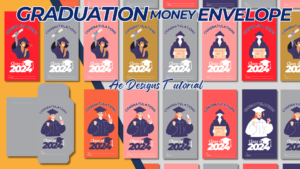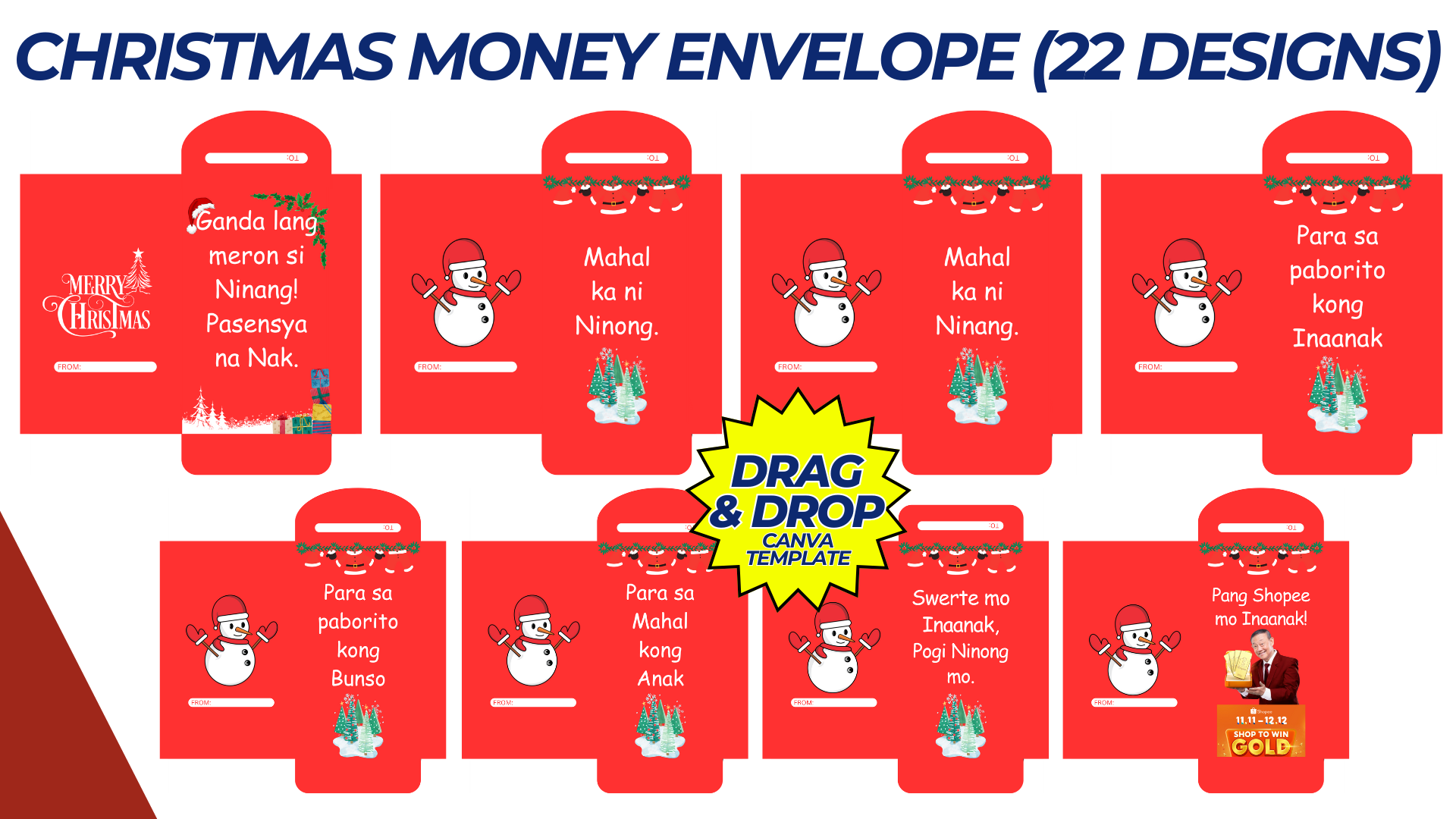

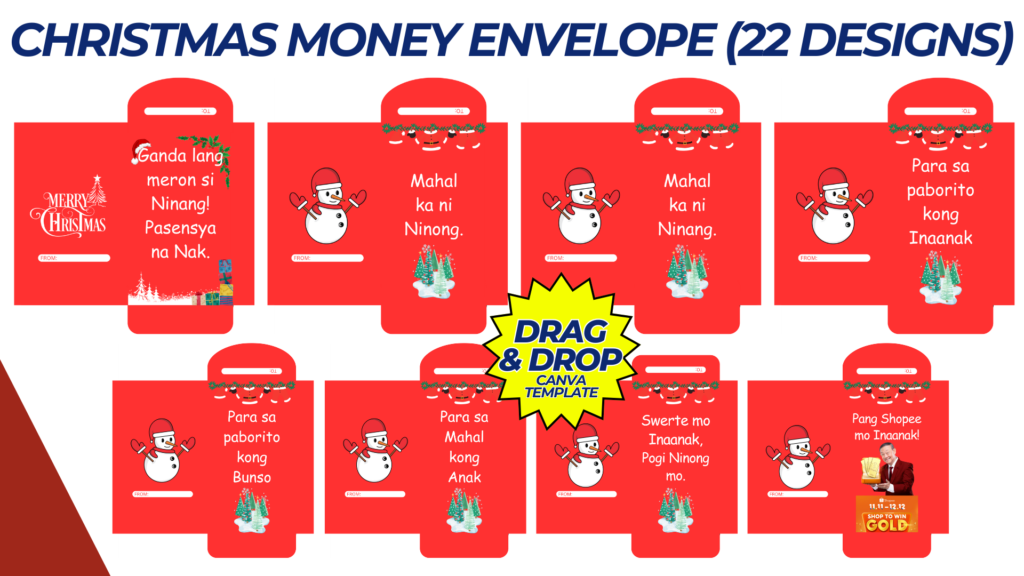
Creating a Christmas Money Envelope Template is a lovely way to add a personalized touch to holiday gifts. Below is a concept for a Canva template that can be customized and printed.
Christmas Money Envelope Template: Ready-to-Edit on Canva
Size: Standard envelope size (fits folded currency), e.g., 6.5″ x 3.5″ (165 mm x 90 mm).
Design Overview
1. Front of the Envelope
- Title: “Merry Christmas” or “Happy Holidays” in festive, bold fonts.
- Graphic Elements:
- Christmas-themed illustrations such as snowflakes, holly leaves, candy canes, bells, ornaments, or Santa hats.
- A central image of a Christmas tree, Santa Claus, or a cozy winter scene with snow-covered houses.
- Color Palette: Traditional Christmas colors—red, green, gold, white, and pops of silver.
- Personalization Section: A small, editable space for writing a message such as “To: _______” and “From: _______”.
2. Back of the Envelope
- Flap Design:
- Simple yet elegant, with a decorative border or a repeating pattern of Christmas icons (e.g., stars, gifts, snowflakes).
- The flap can have a closing message like “Season’s Greetings!” or “Warm Wishes!”
- Background: Can be a subtle pattern or gradient, with snowflakes, stars, or Christmas lights.
3. Envelope Border
- Cut and Fold Lines: Thin dotted lines indicating where to cut out the envelope and where to fold to form the shape. Make sure it includes tabs for gluing or taping.
Step-by-Step Template Design
1. Base Layout
- Use Canva’s envelope template or create custom dimensions of 6.5″ x 3.5″ for the body and additional space for the flap.
2. Front Design
- Add a festive title like “Merry Christmas!” at the center or top of the front face.
- Choose a central illustration such as a Christmas tree, snowman, or Santa with gift bags.
- Place space for personalization under the illustration (optional).
3. Back Design
- Design the flap with a simple Christmas border (wreath, garland, or light string) and a small holiday message.
- Add fold lines and glue tab areas to guide users on how to cut and assemble the envelope.
Template Customization on Canva
- Images & Elements: Use Canva’s library for Christmas graphics (gifts, stockings, reindeers, or holly).
- Text Customization: Allow users to easily add their “To” and “From” information.
- Color Editing: Enable users to change the color scheme (e.g., switching from classic red and green to a modern blue and silver palette).
- Font Options: Provide festive, legible fonts like “Pacifico” or “Lobster” for the Christmas greeting and a simpler font like “Open Sans” for the message.
How to Use the Template
- Print: Users can download the completed design in PDF format for easy printing.
- Cut: Follow the guide lines to cut out the envelope.
- Fold: Fold along the indicated lines to form the envelope.
- Seal: Use glue or tape to close the envelope after placing the money inside.
NOTE: Isa isahin nyo na lang ung LINK anjan din kasi ung mga MATERIALS na pwede magamit at ung FILES.
MATERIALS & FILES:
CLICK HERE: https://bit.ly/3REjSJX
CLICK HERE: https://bit.ly/483apT6
CLICK HERE: https://bit.ly/3AS2mMC
CLICK HERE: https://bit.ly/3LeqsCW
CLICK HERE: https://bit.ly/47mjmqn