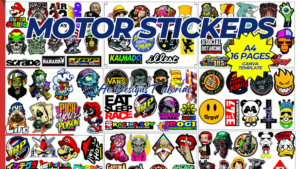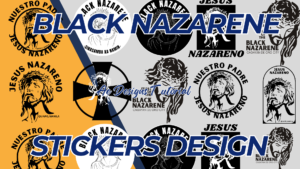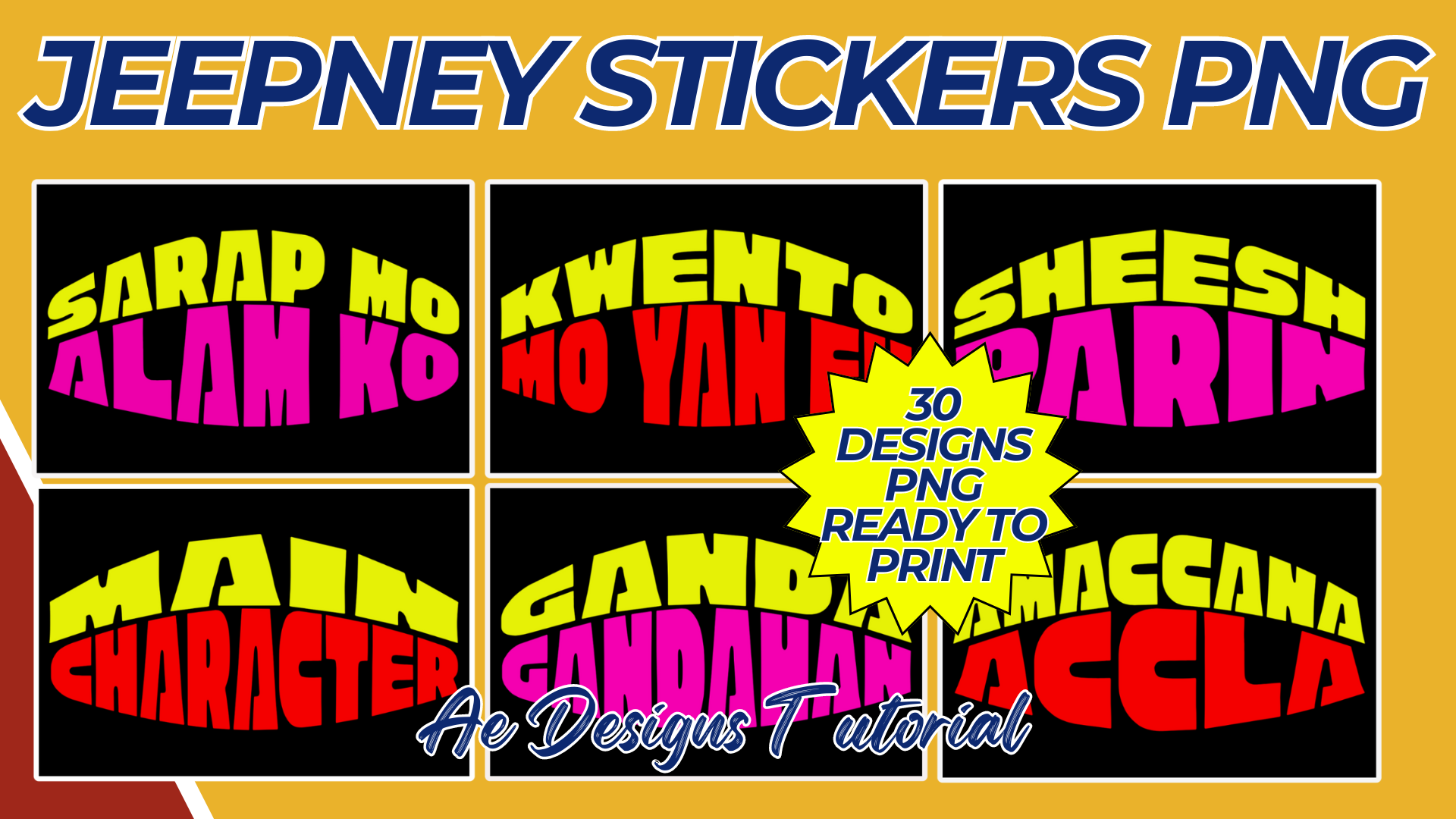


Designing 30 unique Jeepney stickers in PNG format and ready to print is a creative and cultural project that celebrates the iconic Philippine mode of transportation. Below is a detailed guide to creating these designs:
1. Theme and Concept:
- Cultural Elements: Each sticker should reflect elements of Filipino culture, such as traditional patterns, symbols, or popular phrases.
- Colorful and Vibrant: Jeepneys are known for their bright and eye-catching designs. Use bold, vibrant colors in your stickers to capture this essence.
- Typography: Incorporate popular Filipino sayings, words, or Jeepney slogans using dynamic and playful fonts.
2. Design Categories:
- Traditional Designs:
- Patterns: Include designs with traditional Filipino patterns like “banig” or “tinikling.”
- Symbols: Use Filipino symbols like the sun, stars, or baybayin script.
- Modern Designs:
- Pop Culture: Create designs featuring modern Filipino pop culture references, such as favorite local celebrities, street food, or urban landmarks.
- Jeepney Icons: Include the front view, side view, or artistic depictions of the Jeepney itself.
- Text-Based Designs:
- Quotes: Popular Jeepney slogans like “Barya lang po sa umaga” or “God Bless Our Trip.”
- Baybayin: Use ancient Filipino script to create words like “Mabuhay,” “Pag-asa,” or “Bayanihan.”
- Nature-Inspired:
- Philippine Flora and Fauna: Use elements like the Philippine eagle, sampaguita, or tropical fruits.
- Festive Designs:
- Fiesta Themes: Capture the energy of a Filipino fiesta with designs featuring banderitas, lechon, or traditional dances.
3. Technical Specifications:
- Resolution: Ensure each design is in high resolution (300 DPI) for clear printing.
- Size: Each sticker should be designed in a square or rectangular format, typically 3×3 inches or 4×4 inches.
- Color Mode: Use CMYK color mode to ensure colors print accurately.
- File Format: Save each design as a PNG with a transparent background to allow for easy application on various surfaces.
4. Design Process:
- Sketching: Start by sketching out each design idea on paper or digitally. Focus on capturing the essence of each theme before moving to full color.
- Digitizing: Use graphic design software like Adobe Illustrator or Canva to create the final digital versions of your sketches. Make sure the lines are clean, and the colors are vibrant.
- Detailing: Add small details that make each design unique. For example, intricate patterns within the letters or subtle textures to give depth.
- Layout: Arrange the elements harmoniously within the design space, ensuring each sticker looks balanced and visually appealing.
5. Proofing and Finalizing:
- Quality Check: Review each design for any errors or areas that might need refining.
- Test Print: If possible, print a sample of each design to ensure they look as expected when printed.
- File Naming: Name each file appropriately for easy identification (e.g., “Jeepney_Sticker_01.png”).
6. Packaging and Distribution:
- Organizing Files: Organize the 30 PNG files into a folder, possibly categorizing them by theme or design type.
- Zip File: Compress the folder into a ZIP file for easy downloading and sharing.
- Mockups: Create mockup images showing the stickers applied on surfaces like notebooks, water bottles, or laptop covers to demonstrate how they look in use.
7. Marketing and Presentation:
- Preview Images: Create preview images showcasing all 30 designs together to attract potential customers.
- Social Media: Share the designs on platforms like Instagram, Facebook, or Pinterest to reach a broader audience.
8. Printing and Use:
- Printer Settings: When printing, ensure your printer settings are optimized for stickers, such as selecting the right paper type (e.g., glossy sticker paper) and adjusting the print quality to high.
- Cutting: If using a cutting machine like a Cricut, prepare the cut lines within your design software to match the sticker outlines.
These Jeepney sticker designs can serve as cultural souvenirs, fun decorations, or even as part of a larger collection celebrating Filipino heritage.
NOTE: Isa isahin nyo na lang ung LINK anjan din kasi ung mga MATERIALS na pwede magamit at ung FILES.
Materials JEEPNEY STICKERS
Click here: https://bit.ly/3Y0Z2IF
Click here: https://bit.ly/3RYUZsg
Click here: https://bit.ly/3TNClnc
Click here: https://bit.ly/3Z39L5J
Click here: https://bit.ly/3LeqsCW