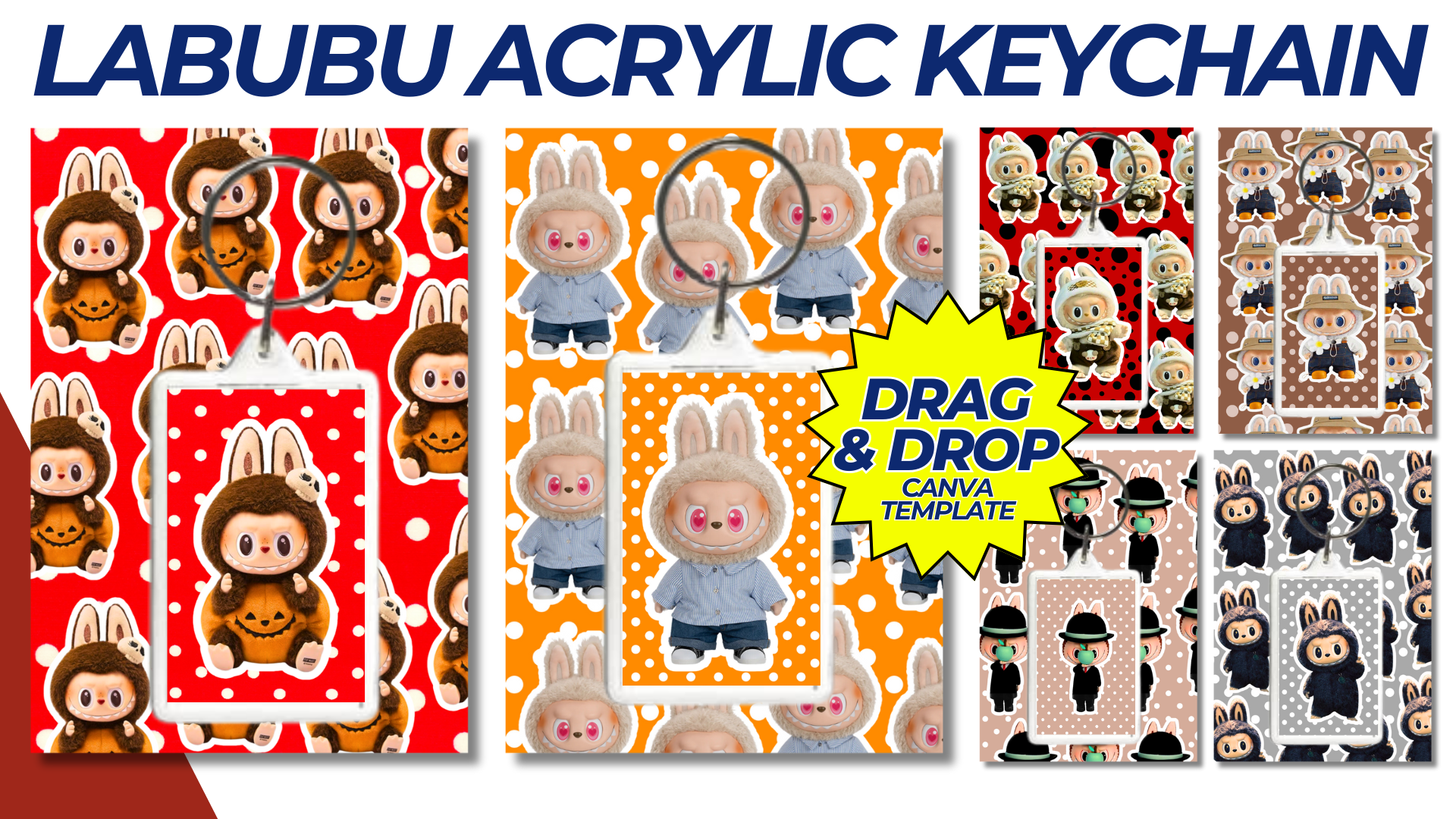

Creating a Labubu Acrylic Keychain with Backing Template involves designing a fun and visually appealing keychain featuring the beloved character Labubu. Here’s a step-by-step guide to create the template, including both the keychain design and the backing card.
Labubu Acrylic Keychain with Backing Template
Keychain Design
- Shape and Size:
- Shape: Custom die-cut shape following the outline of Labubu. This can be Labubu in a classic pose, or with playful elements like holding a balloon or interacting with an animal.
- Size: Typically around 2 to 3 inches in height for an acrylic keychain.
- Artwork:
- Front Side: Full-color illustration of Labubu. Ensure the artwork is high resolution (300 DPI) and has a transparent background if needed.
- Back Side: Optionally, you can have a simple design or pattern, or leave it blank.
- Material:
- Acrylic: Clear, durable acrylic material for the keychain.
- Thickness: Usually around 3mm for a sturdy feel.
Backing Card Design
- Card Size:
- Standard Size: 3.5 x 5 inches, allowing enough space to showcase the keychain.
- Design Elements:
- Front of Card:
- Background: A fun and colorful background that complements the Labubu keychain design.
- Branding: Include the Labubu logo or any related branding elements.
- Cut-out Area: A small die-cut hole or slit where the keychain will be attached, ensuring it is securely held in place.
- Back of Card:
- Instructions: Brief care instructions or fun facts about Labubu.
- Contact Information: Website or social media handles if applicable.
- Front of Card:
- Color Scheme:
- Use vibrant and playful colors that match the Labubu aesthetic.
- Ensure the text is easily readable and contrasts well with the background.
Creating the Template
Step 1: Design the Keychain
- Software: Use Adobe Illustrator, Photoshop, or any vector design software.
- Steps:
- Draw or import the Labubu illustration.
- Create an outline around the character for the die-cut shape.
- Add any necessary bleed area (typically 1/8 inch) to ensure the design goes to the edge.
- Save the design in a vector format (AI, EPS) and high-resolution PNG for printing.
Step 2: Design the Backing Card
- Software: Use Adobe Illustrator, Photoshop, or any design software.
- Steps:
- Create a 3.5 x 5 inch canvas.
- Design the background, incorporating branding and a fun theme.
- Add a cut-out area for the keychain placement.
- Design the back side with any additional information or graphics.
- Save the design in a vector format (AI, EPS) and high-resolution PNG for printing.
Step 3: Prepare for Printing
- Ensure all designs are in 300 DPI for high-quality print.
- Convert all colors to CMYK mode.
- Use a print template provided by your printing service if available, to ensure proper alignment and cut lines.
Example Design Concept
Keychain Design Concept:
- Front: Labubu waving with a cheerful expression, surrounded by stars and a rainbow.
- Back: Simple white background with a small Labubu logo at the bottom.
Backing Card Design Concept:
- Front: Colorful background with a forest theme, featuring trees and animals. A “Labubu” logo at the top center, with a cut-out area in the middle to hold the keychain.
- Back: A short story or fun fact about Labubu, with icons of social media handles at the bottom.
Printing and Assembly
- Send the designs to a professional printer that specializes in acrylic keychains.
- Verify the proof provided by the printer to ensure colors and cut lines are correct.
- Once printed, attach the keychains to the backing cards using small plastic loops or ties.
NOTE: Isa isahin nyo na lang ung LINK anjan din kasi ung mga MATERIALS na pwede magamit at ung FILES.
MATERIALS & FILES:
CLICK HERE: https://bit.ly/47mjmqn
CLICK HERE: https://bit.ly/3REjSJX
CLICK HERE: https://bit.ly/3AdpJAi
CLICK HERE: https://bit.ly/3AS2mMC
CLICK HERE: https://bit.ly/4eQIkkF
CLICK HERE: https://bit.ly/3LeqsCW