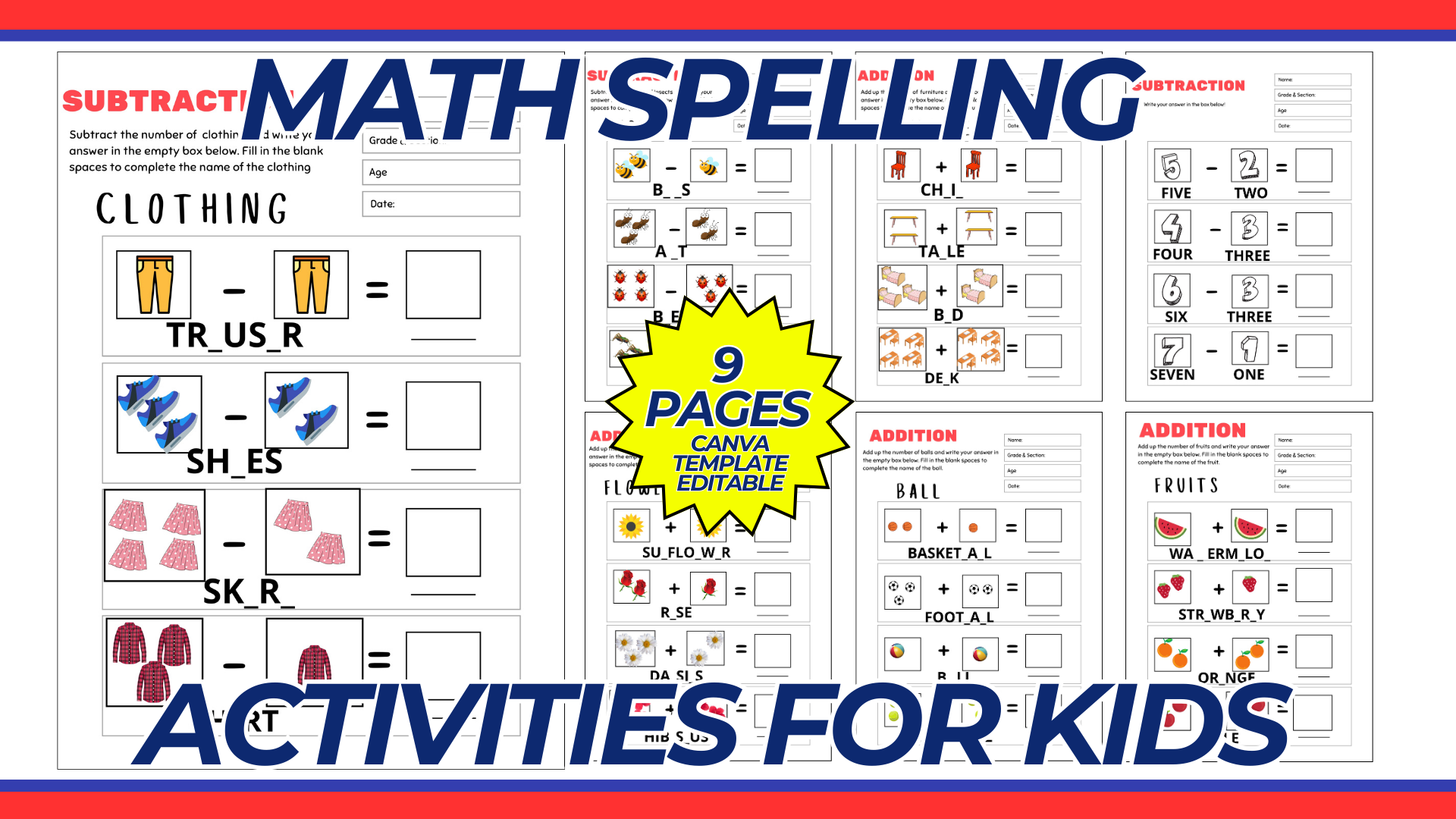

Creating a spelling activities template for kids using Canva can be both fun and educational. Below is a detailed guide to designing a spelling activities template, including tips for layout, design, and usage.
Purpose and Benefits
Purpose:
- To provide a customizable template for spelling activities that can help kids improve their spelling skills.
- To make learning spelling more engaging and interactive.
Benefits:
- Customizable for different grade levels and spelling lists.
- Can be used by teachers, parents, or tutors.
- Printable for hands-on activities or usable in digital form.
Materials and Tools Needed
- Computer with internet access.
- Canva account (free or Pro version depending on needed features).
- Printer and high-quality paper (if printing at home).
Step-by-Step Guide to Creating a Spelling Activities Template in Canva
1. Create a Canva Account:
- Sign up for a free account at Canva if you don’t already have one.
2. Start a New Design:
- Click on “Create a design” and select “Custom dimensions.”
- Set the dimensions to a standard letter size (8.5 x 11 inches) for easy printing.
3. Choose a Layout:
- Select a blank layout to start from scratch or choose a pre-designed template if available. For spelling activities, it’s often best to start with a blank layout for maximum customization.
4. Design the Spelling Activities Template:
- Title: Add a title at the top, such as “Spelling Activities.”
- Activity Sections: Create different sections for various activities. Common activities include:
- Word List: A list of spelling words for the week.
- Fill in the Blanks: Sentences with missing words to be filled in.
- Word Search: A grid with hidden words from the spelling list.
- Crossword Puzzle: A crossword puzzle using the spelling words.
- Match the Words: Matching words to their definitions or images.
- Scramble Words: Jumbled words to unscramble.
- Images/Icons: Insert relevant images or icons to make the template more engaging for kids. For example, use a pencil icon for writing activities or a magnifying glass for word search.
- Instructions: Add clear instructions for each activity to guide the kids on what to do.
5. Customize the Design:
- Fonts: Choose clear, readable fonts for the main content. For headings, you can use a more decorative font if desired.
- Colors: Use a consistent color scheme that is visually appealing but not too distracting.
- Alignment: Make sure all elements are well-aligned and spaced evenly.
6. Ensure Printability:
- Check that all elements are within the printable margins.
- Make sure the resolution is high enough for clear prints.
- Save and download the design in a high-resolution format suitable for printing (e.g., PDF).
Example Spelling Activities Layout
1. Title Section:
- Header: “Spelling Activities” at the top.
- Sub-header: Week or Date, e.g., “Week of July 7, 2024.”
2. Word List Section:
- Header: “Spelling Words”
- Content: List of 10-20 spelling words for the week.
3. Activity Sections:
- Fill in the Blanks:
- Header: “Fill in the Blanks”
- Content: Sentences with blanks, e.g., “The cat is ___ (spelling word).”
- Word Search:
- Header: “Word Search”
- Content: A grid with hidden spelling words.
- Crossword Puzzle:
- Header: “Crossword Puzzle”
- Content: A crossword puzzle using the spelling words.
- Match the Words:
- Header: “Match the Words”
- Content: Match words to definitions or images.
- Scramble Words:
- Header: “Scramble Words”
- Content: Jumbled spelling words to unscramble.
4. Instruction Section:
- Header: “Instructions”
- Content: Simple instructions for each activity, e.g., “Fill in the blanks with the correct spelling word.”
Conclusion
By following this guide, you can create an engaging and effective spelling activities template for kids using Canva. This template can be customized for different spelling lists and activities, making it a versatile tool for teachers, parents, and tutors to help kids improve their spelling skills in a fun and interactive way.
NOTE: Isa isahin nyo na lang ung LINK anjan din kasi ung mga MATERIALS na pwede magamit at ung FILES.
Materials MATH SPELLING
Click here: https://bit.ly/3Y0Z2IF
Click here: https://bit.ly/3RYUZsg
Click here: https://bit.ly/3TNClnc
Click here: https://bit.ly/3LNHVm3
Click here: https://bit.ly/3LeqsCW