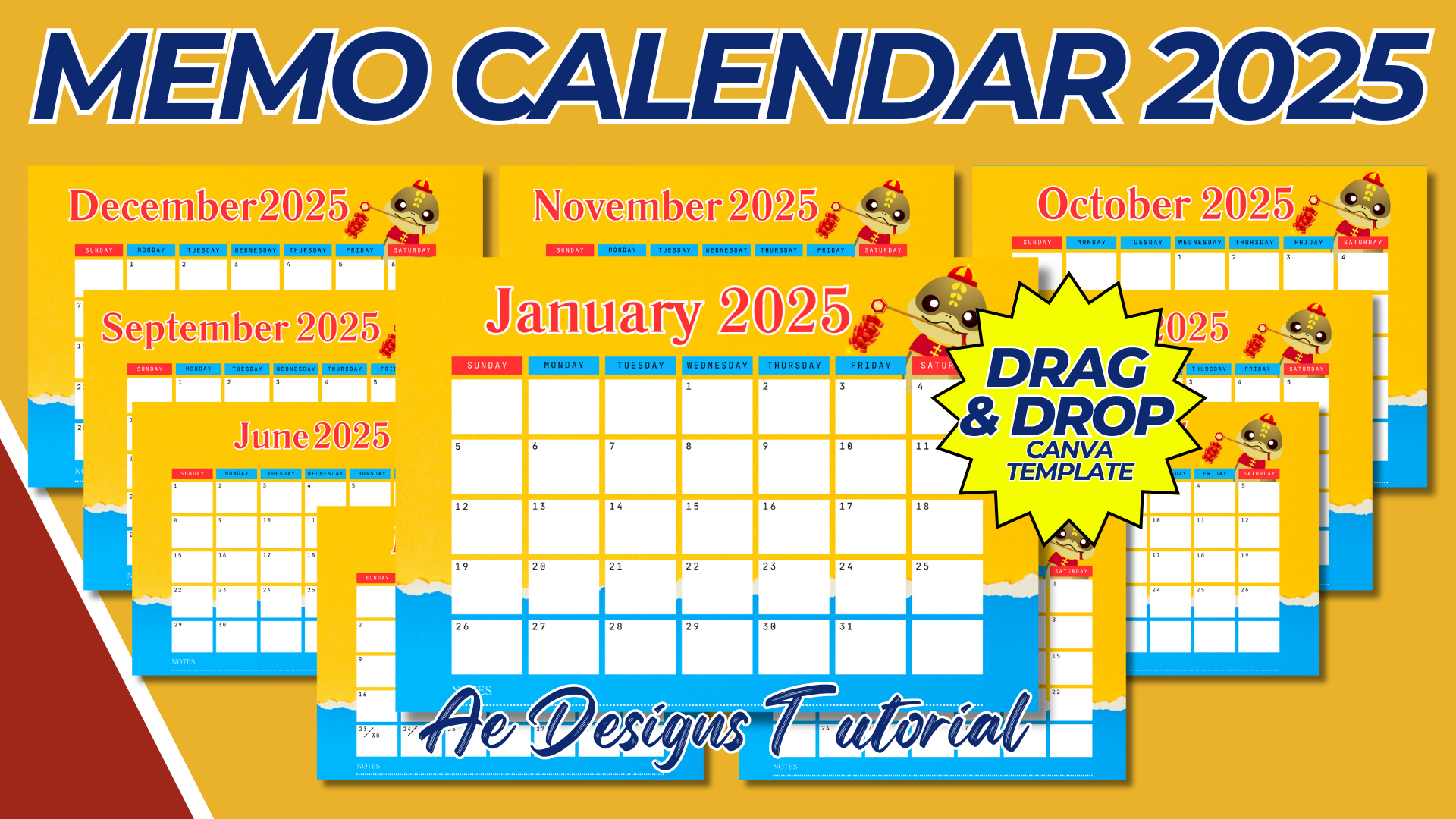

Creating a Memo Calendar for 2025 in A4 size with a landscape orientation involves designing a functional layout that provides both a calendar view and space for notes or memos. Here’s a detailed guide on how to create this template:
1. Page Size and Orientation:
- Page Size: A4 (210mm x 297mm or 8.27in x 11.69in)
- Orientation: Landscape
2. Layout Design:
- Top Section:
- Year Display: Place “2025” prominently at the top of the page. Consider a bold and legible font that stands out without being overwhelming.
- Month Display: Include the current month in a slightly smaller font, possibly centered under the year. For a multi-page calendar, ensure each page has the corresponding month.
- Calendar Grid:
- Days of the Week: Create a row at the top of the grid with the days of the week (Mon, Tue, Wed, etc.). Use a clean, sans-serif font for clarity.
- Date Squares: Below the days of the week, create a grid with individual squares for each date. Ensure the squares are large enough to accommodate small notes or appointments.
- Weekends and Holidays: Use a different color or shading to highlight weekends and public holidays.
- Memo Section:
- Right or Bottom Section: Allocate a section on the right side or bottom of the page for memos. This section should be lined or have a grid to facilitate note-taking. The size of this section should be balanced with the calendar grid to ensure both are usable.
- Title: Label this section as “Memos” or “Notes” to clearly indicate its purpose.
3. Design Aesthetics:
- Theme: Choose a consistent theme for the entire calendar, such as minimalist, seasonal, or professional. This theme should guide your choice of colors, fonts, and decorative elements.
- Color Scheme: Use a limited palette that is easy on the eyes. Consider using shades of gray, blue, or pastel colors for a professional look, or brighter colors for a more vibrant design.
- Fonts: Stick to two or three fonts throughout the design to maintain consistency. A sans-serif font is ideal for the calendar grid, while a slightly more decorative font could be used for the year and month titles.
4. Additional Features:
- Public Holidays: Mark public holidays or important dates with small icons or different colors.
- Special Events: Include a small section at the bottom for special events or important dates for the month.
- Logo or Branding (Optional): If the calendar is for a business, include a small logo or branding element in one of the corners.
5. Printing Considerations:
- Resolution: Design the calendar in high resolution (300 DPI) to ensure clear and crisp printing.
- Margins: Ensure there are adequate margins (at least 0.25 inches or 6mm) around the edges to avoid cutting off any important elements during printing.
- File Format: Save the template in a print-ready format such as PDF, PNG, or JPEG.
6. Final Touches:
- Proofreading: Double-check all dates, days, and memo sections to ensure accuracy.
- Test Print: Print a sample to verify that the layout works well on paper and that all elements are clear and legible.
7. Distribution:
- Digital Distribution: If distributing digitally, consider adding interactive fields in the PDF version where users can type in their memos.
- Physical Distribution: For physical copies, consider binding options if you’re creating a multi-page calendar, such as spiral binding or stapling.
This memo calendar template for 2025 is designed to be both functional and aesthetically pleasing, making it a practical tool for organizing the year ahead while providing ample space for notes and reminders.
NOTE: Isa isahin nyo na lang ung LINK anjan din kasi ung mga MATERIALS na pwede magamit at ung FILES.
Materials MEMO CALENDAR 2025
Click here: https://bit.ly/3Y0Z2IF
Click here: https://bit.ly/3RYUZsg
Click here: https://bit.ly/4dDg3gX
Click here: https://bit.ly/3TNClnc
Click here: https://bit.ly/3LeqsCW