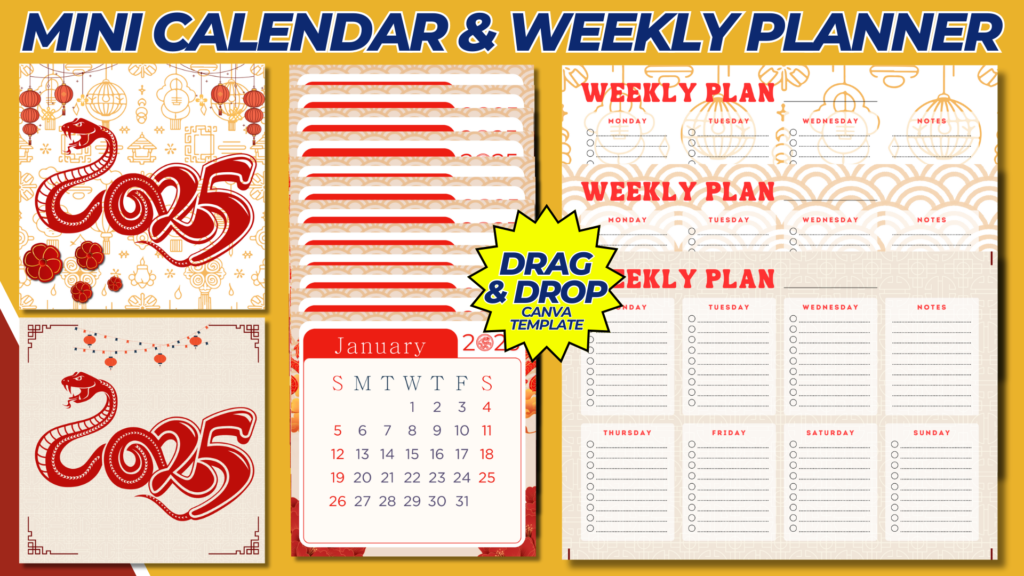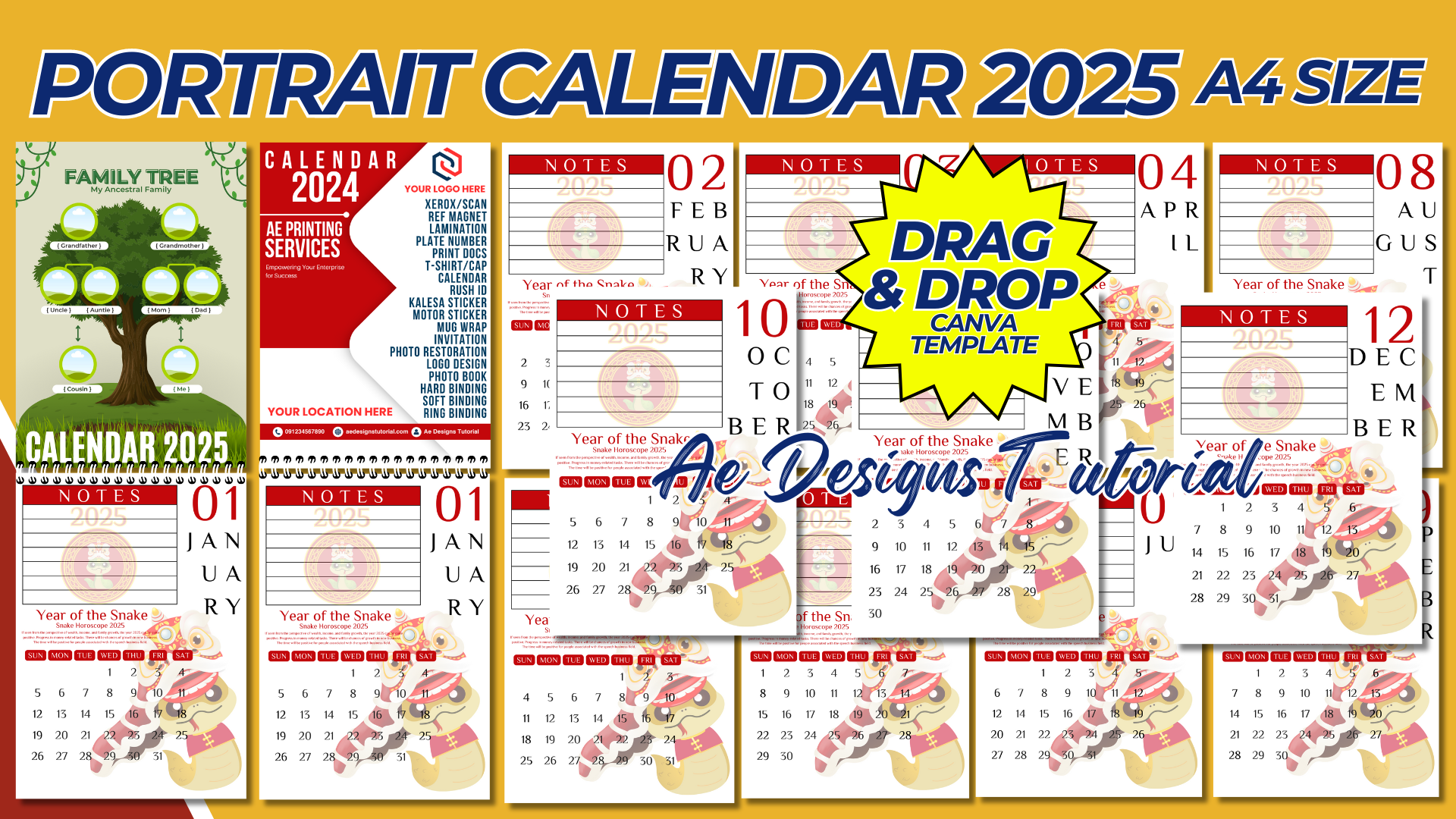

Creating a portrait calendar for 2025 is a great way to showcase photos, artwork, or thematic designs each month while providing a practical and visually appealing organizational tool. Here’s a guide to help you create a portrait calendar for 2025.
Steps to Create a Portrait Calendar 2025:
1. Decide on the Format:
- Orientation: The calendar will be in portrait format, typically with dimensions like 8.5 x 11 inches (standard letter size) or A4 size (8.27 x 11.69 inches).
- Design: Each month will have a full-page design, with a dedicated space for dates and a section for photos or artwork.
2. Choose a Theme:
- Photography: Seasonal landscapes, nature, cityscapes, or portraits.
- Artwork: Illustrations, paintings, or graphic designs.
- Motivational: Inspirational quotes with relevant imagery.
- Personalized: Family photos, pet images, or special memories.
3. Gather Content:
- Photos or Artwork: Prepare high-resolution images for each month. Ensure they are vertical to fit the portrait layout.
- Dates: Include the days of the week, month names, and year. Also, consider adding holidays or special events.
4. Design Tools:
- Canva: Ideal for easy drag-and-drop design.
- Adobe InDesign: Professional tool for more advanced designs.
- Microsoft Word/PowerPoint: Basic tools for simple layouts.
5. Designing the Calendar:
January Example:
- Top Section:
- Image of a snowy landscape or a New Year’s celebration.
- Bottom Section:
- January 2025 calendar grid with days and dates.
- Highlight New Year’s Day (January 1) and any other important dates.
Layout Design:
- Header: Include the month name in a bold, stylish font.
- Image Area: Cover the top half or top two-thirds of the page with the selected image.
- Calendar Grid: The bottom half or bottom third of the page will contain the calendar grid.
- Text: Consider adding a small caption or quote related to the month.
Design Elements:
- Fonts: Choose easy-to-read fonts for the calendar dates and a more decorative font for the month names.
- Colors: Use a consistent color palette that matches the theme of the images or artwork.
- Layout Consistency: Keep a consistent layout across all months to ensure uniformity.
6. Add Holidays and Events:
- National Holidays: Include public holidays for the country you’re designing the calendar for.
- Special Events: Add birthdays, anniversaries, or other significant dates.
7. Final Touches:
- Cover Page: Design a cover that represents the theme of the calendar. Include the title “2025 Calendar” and any relevant imagery.
- Back Page: Optionally, add a year overview, notes section, or contact information.
8. Review and Proofing:
- Check Alignment: Ensure that all calendar grids are aligned properly.
- Spelling and Dates: Double-check the spelling of months and the accuracy of dates.
- Image Quality: Verify that all images are high-resolution and print-ready.
9. Print and Production:
- Printing Options: Use a professional printing service for the best results. Choose between glossy or matte paper based on your preference.
- Binding: Consider spiral binding or a stapled edge for easy flipping.
10. Digital Version (Optional):
- PDF Format: Create a digital version in PDF format for easy distribution.
- Interactive Features: Add clickable links to events or special dates if you plan to distribute it digitally.
Sample Calendar Layout:
January 2025:
- Header: “January 2025” in a stylish font.
- Image: A serene winter landscape with snow-covered trees.
- Calendar Grid: Dates for January with New Year’s Day highlighted.
- Caption: “Embrace the fresh start of the New Year.”
Tips for a Professional Look:
- Uniformity: Keep the design elements consistent across all months.
- Color Scheme: Use a cohesive color scheme that aligns with your theme.
- Margins: Ensure proper margins to prevent cutting off any design elements during printing.
By following these steps, you’ll be able to create a stunning and functional portrait calendar for 2025, whether it’s for personal use, gifts, or professional purposes.
NOTE: Isa isahin nyo na lang ung LINK anjan din kasi ung mga MATERIALS na pwede magamit at ung FILES.
Materials CALENDAR 2025 PORTRAIT A4 SIZE
Click here: https://bit.ly/3Y0Z2IF
Click here: https://bit.ly/3RYUZsg
Click here: https://bit.ly/3TNClnc
Click here: https://bit.ly/3YW1FMn
Click here: https://bit.ly/3LeqsCW