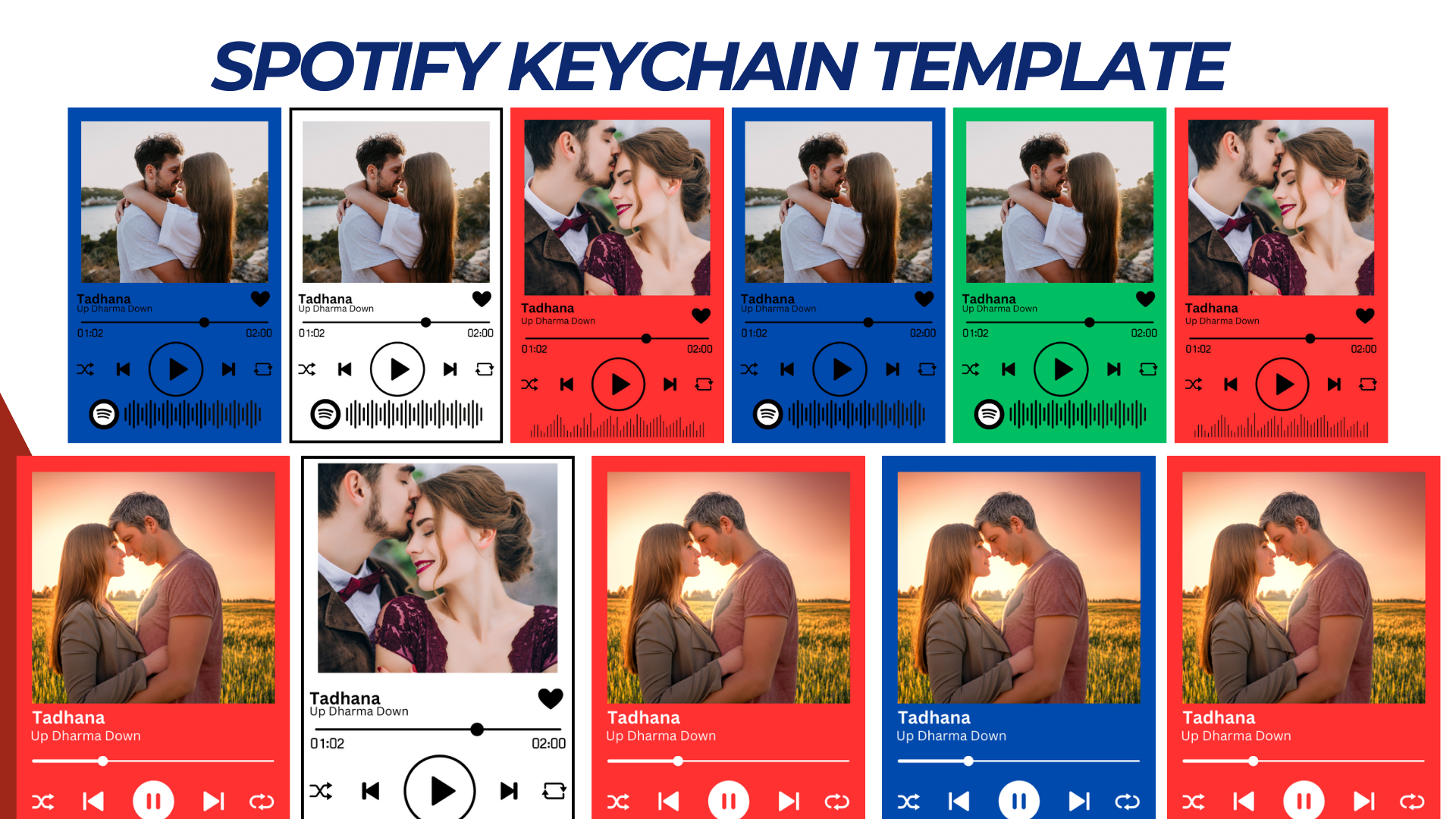

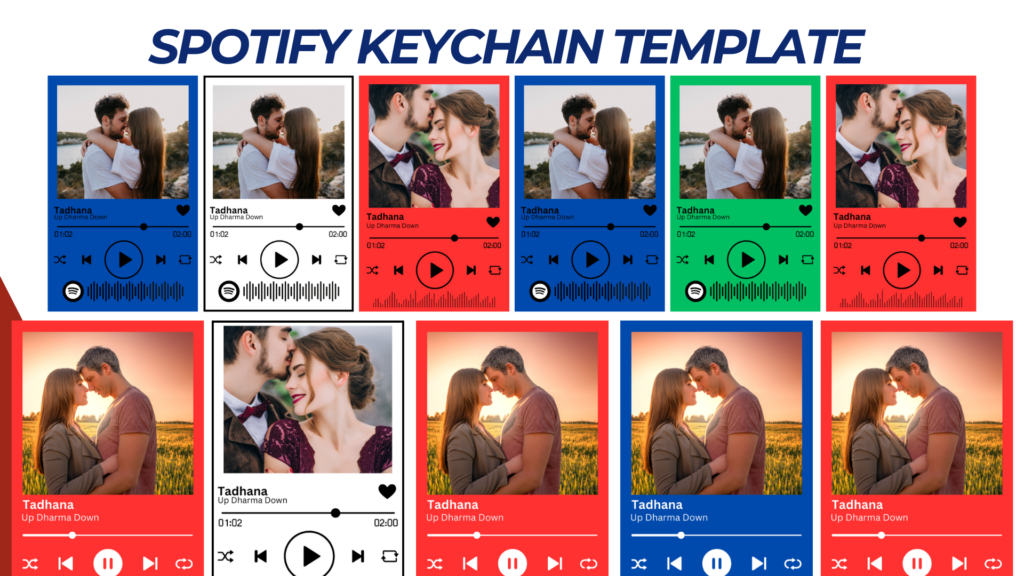
Spotify Keychain Template Design
A Spotify Keychain Template is a unique and creative way to showcase a favorite song, playlist, or album cover in a stylish, portable accessory.
Template Specifications
- Keychain Dimensions:
- Rectangle: 1.5 x 2.5 inches.
- Square: 2 x 2 inches.
- Round: 2-inch diameter.
- File Format:
- High-resolution PNG or JPG (300 DPI).
- Editable PSD or AI for customization.
- Material:
- Acrylic or epoxy for durability.
- Include a transparent background for clear acrylic keychains.
- Print Area:
- Ensure all essential elements (song title, Spotify code, artwork) fit neatly within the keychain dimensions.
Template Elements
1. Spotify Song Code
- Generate a Spotify song code for any track, album, or playlist via Spotify’s official code generator.
- Place it prominently but scaled to fit within the design without overpowering other elements.
2. Artwork Section
- Add space for the album cover or custom artwork.
- Recommended Size: 1 x 1 inch (adjustable based on keychain size).
3. Song Details
- Text: Include the song title and artist name.
- Font: Use modern sans-serif or Spotify-style fonts (e.g., Circular Std).
4. Decorative Additions
- Optional elements:
- Musical notes, hearts, or abstract patterns.
- Themes such as Valentine’s Day, birthdays, or anniversaries.
Design Layout Examples
Layout 1: Classic Rectangular
- Top Section: Album artwork.
- Middle Section: Song title and artist.
- Bottom Section: Spotify code.
Layout 2: Minimalist Round
- Center: Spotify code with a small circular artwork overlay.
- Outer Ring: Song title and artist name.
Layout 3: Trendy Square
- Left Half: Spotify code.
- Right Half: Artwork and song details stacked vertically.
Tips for Customization
- Font Size: Keep text legible; avoid overcrowding the design.
- Contrast: Use light text on dark backgrounds or vice versa for clarity.
- Durability: Laminate or seal designs for added protection when printing.
Printing Instructions
- Print Design: Use high-quality inkjet or laser printers for vibrant results.
- Cut Out: Use a precision cutter or craft machine for clean edges.
- Attach to Keychain:
- For acrylic, adhere the design to the back of the keychain using adhesive paper.
- Seal with epoxy or a protective layer.
NOTE: Isa isahin nyo na lang ung LINK anjan din kasi ung mga MATERIALS na pwede magamit at ung FILES.
MATERIALS & FILES:
CLICK HERE: https://bit.ly/3REjSJX
CLICK HERE: https://bit.ly/4gIhD2n
CLICK HERE: https://bit.ly/3AS2mMC
CLICK HERE: https://bit.ly/3LeqsCW
CLICK HERE: https://bit.ly/47mjmqn