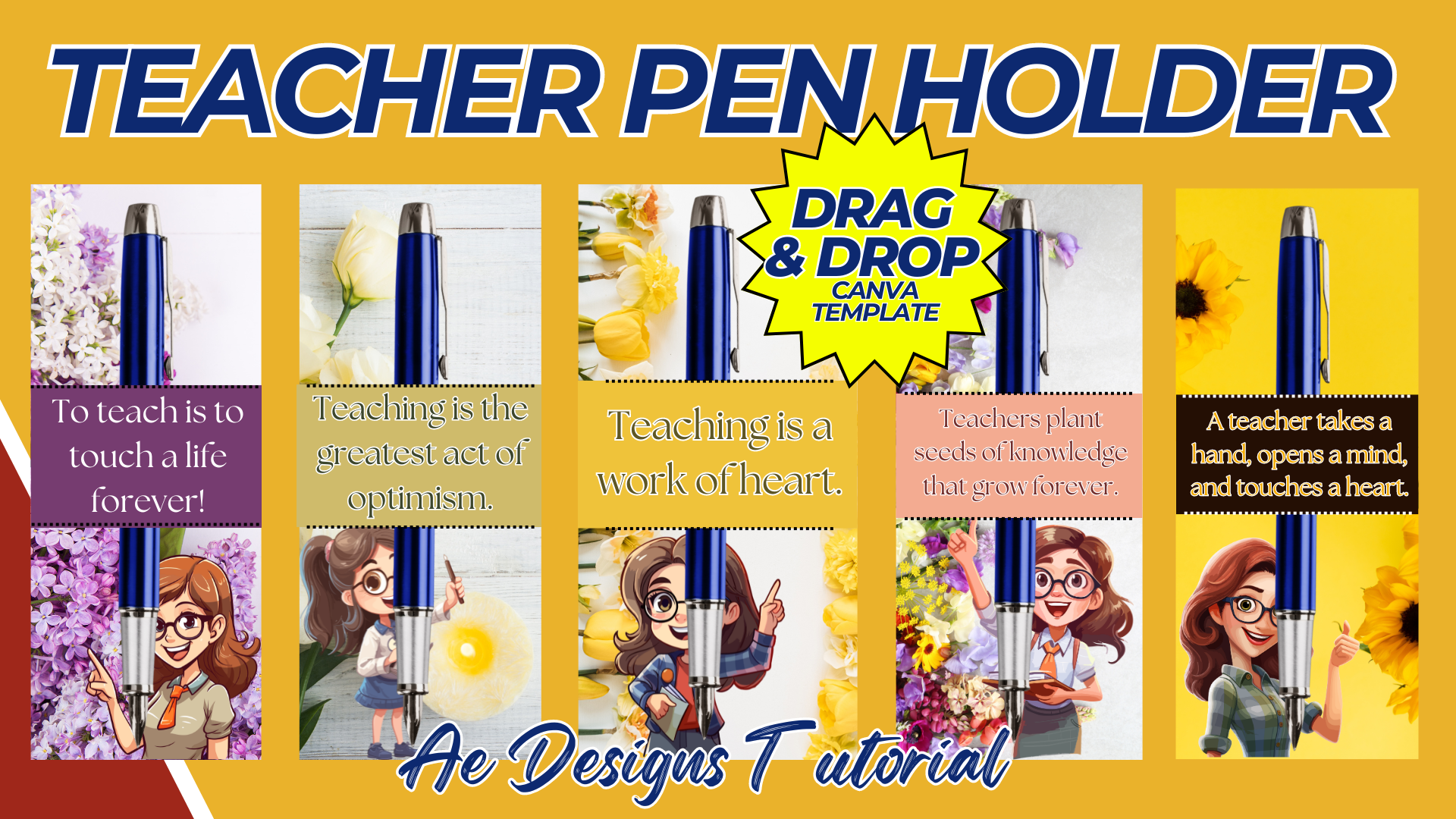

Creating a teacher pen holder with a mockup in Canva is a fantastic way to design a practical and personalized item for educators. Below is a guide to help you create a teacher pen holder template with a mockup using Canva:
Steps to Create a Teacher Pen Holder with Mockup in Canva:
1. Set Up Canva Workspace:
- Log in to Canva: If you don’t have an account, sign up for free.
- Create a New Design: Start by selecting the custom dimensions for your pen holder template. Common dimensions might be 8.5 x 11 inches, depending on the size of the pen holder.
2. Design the Pen Holder Template:
- Background: Choose a background color or pattern that suits the theme. For teachers, you might use school-themed patterns like chalkboards, notebooks, or classroom decor.
- Text Area: Add text areas where the teacher’s name or a motivational quote can be inserted.
- Example: “Mrs. Smith’s Pens” or “Inspire, Teach, Guide.”
- Graphics: Incorporate school-related graphics like pencils, apples, books, or rulers. You can find these in Canva’s elements library.
- Design Layout: Consider dividing the design into sections if the pen holder has different panels (front, sides, back). Ensure that the design flows seamlessly across all panels.
3. Mockup Creation:
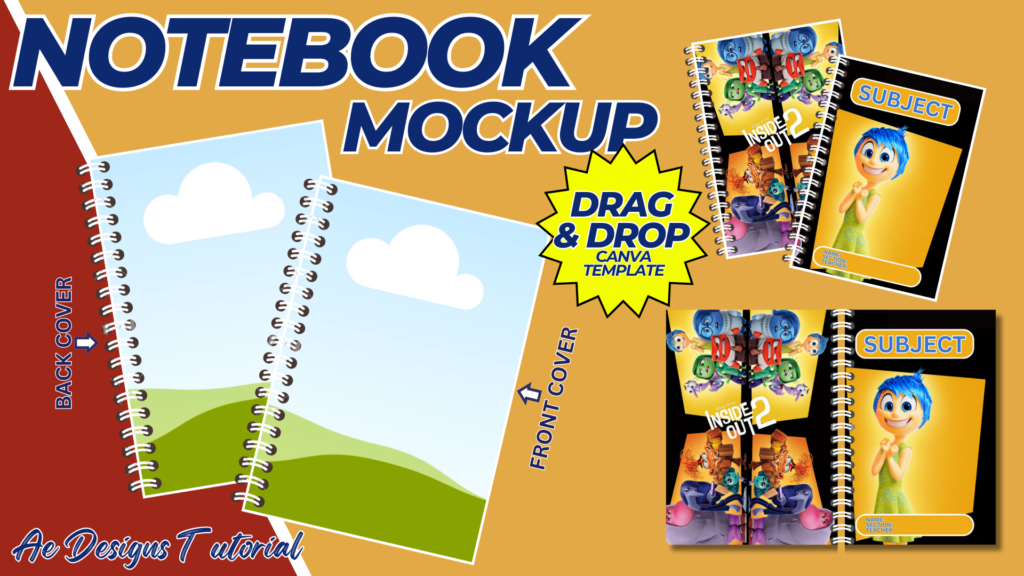
- Search for Mockup Templates: In Canva’s search bar, look for “Pen Holder Mockup” or “Desk Organizer Mockup.” If you can’t find a specific mockup, search for a “3D box mockup” or use a generic object mockup and modify it.
- Apply Your Design: Drag and drop your pen holder design onto the mockup template. Adjust the sizing and positioning to fit the mockup properly.
- Adjust Shadows and Highlights: If your mockup template allows, adjust shadows and highlights to give the pen holder a realistic 3D appearance.
4. Customization Options:
- Personalization: Add space for text fields where teachers or buyers can personalize their names or add custom messages.
- Color Variations: Create multiple color variations of the pen holder template. For example, offer designs in pastel colors, bold primary colors, or neutral tones.
- Font Choices: Use playful fonts for elementary school teachers or more sophisticated fonts for high school educators.
5. Preview the Mockup:
- 3D View: If the mockup template allows, preview the pen holder in a 3D format. This helps in visualizing how the design will look in real life.
- Make Adjustments: Ensure that all text is legible and that the design elements align properly. Make any necessary adjustments to the layout or design.
6. Exporting and Sharing:
- Download: Once satisfied with the design and mockup, download the files. Export in high resolution (PNG or PDF) for printing or sharing.
- Mockup Presentation: Prepare a mockup presentation by adding the pen holder design to a virtual classroom setting or desk setup.
7. Use Cases:
- Gifts: The pen holder can be used as a personalized gift for teachers.
- Classroom Decor: It serves as a functional and decorative item on a teacher’s desk.
- Teacher Appreciation: The pen holder can be part of a teacher appreciation gift set.
Sample Text and Design Ideas:
- Text Example: “Inspire, Learn, Teach” or “Mr. Johnson’s Desk Essentials.”
- Design Elements: Use apples, chalkboards, and pencils as design accents. Incorporate colors like chalk white, apple red, or blackboard green.
- Font Suggestions: For an elementary theme, use playful fonts like “Comic Sans” or “Caveat.” For a more formal look, try “Montserrat” or “Lora.”
Final Tips:
- Consistency: Ensure that the design is consistent across all panels of the pen holder.
- Ease of Use: Keep the design clean and easy to assemble, with clear instructions if needed.
- Printable Version: Ensure that the exported version is print-ready, with high resolution and correct color settings.
By following these steps, you’ll create a professional and personalized teacher pen holder with a mockup that’s ready to print or share digitally, perfect for classroom use or as a thoughtful gift.
NOTE: Isa isahin nyo na lang ung LINK anjan din kasi ung mga MATERIALS na pwede magamit at ung FILES.
Materials TEACHER PEN HOLDER TEMPLATE
Click here: https://bit.ly/3Y0Z2IF
Click here: https://bit.ly/3RYUZsg
Click here: https://bit.ly/3Aguclj
Click here: https://bit.ly/3TNClnc
Click here: https://bit.ly/3SITzm4
Click here: https://bit.ly/3LeqsCW